Skip to content
uLearn
Toggle menu
  • Tutorials
  • About
  • Facebook
  • YouTube

Category: Featured

November 7, 2023November 7, 2023Featured, Figma, Wireframes

How to Create Lo-Fi Wireframes with UI Kits in Figma
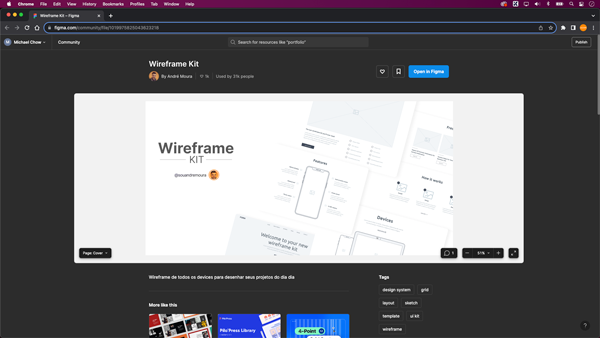
How to Use UI Kits in Figma

When it comes to design, the key to creating products is to resonate with your users. One way to ensure your designs […]

November 3, 2023November 7, 2023Featured, Figma, Wireframes

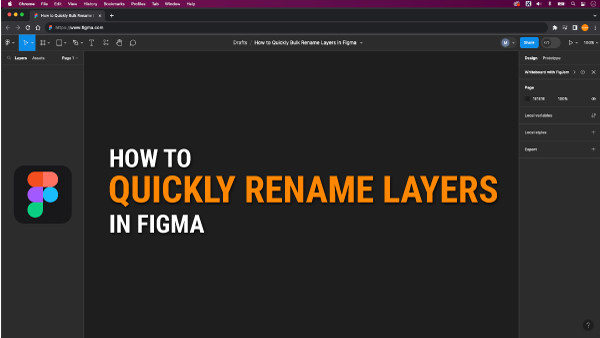
Bulk Renaming Made Easy in Figma

How-to-Quickly-Bulk-Rename-Layers-in-Figma

We didn’t cover an essential topic in our previous video: the significance of layer naming. But why is naming layers such a […]

November 2, 2023November 2, 2023Featured, Figma, Wireframes

Creating Wireframes for Beginners in Figma

creaing-lo-fi-wireframes-in-figma

As you’re probably aware, Adobe XD is losing its charm, and Figma is emerging as the next big thing in design! Thanks […]

October 11, 2023October 12, 2023Featured, Foundation

Choosing the Right Colors for Your Project: A Deep Dive into Color Theory and Psychology

In the fast-paced world of design, I’ve learned not to cut corners in the selection of colors. Whether it’s for a logo […]
July 31, 2023August 8, 2023Featured, Figma

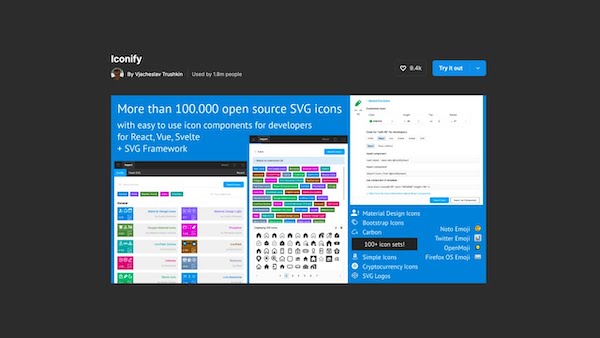
Iconify, One of the Best Plugins for Figma!

How to Install Iconify, the Figma Plugin for icons

Welcome to this step-by-step tutorial on leveraging the Iconify Figma plugin to effortlessly integrate icons into your designs in a mere 90 […]

July 22, 2023July 24, 2023Adobe, Featured, Figma, Mockups, Photoshop, XD

Import Adobe XD Files into Figma

Adobe XD to Figma, Install Convertify Plugin in Resources

If you are working in Photoshop and need to create a prototype, you might encounter difficulties directly opening or importing your Photoshop […]
April 27, 2023June 26, 2025Featured

Adding Colors to Objects and Text is Easy in Adobe InDesign

Adding colors to objects and text is easy with these simple steps! Here's how to fill and stroke your designs:

In our previous post, we mastered the art of creating and manipulating shapes and lines by resizing and rotating them. We will […]

March 27, 2023March 27, 2023Adobe, Featured, InDesign

Adding Shapes and Lines in Adobe InDesign

Creating Shapes and Lines in Adobe InDesign

Hi and welcome to another educational video on InDesign. In today’s tutorial, we will focus on how to add objects like shapes […]
March 27, 2023March 27, 2023Adobe, Featured, InDesign

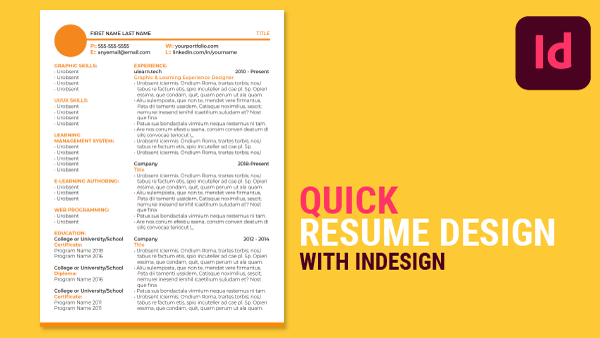
Creating a Resume in Adobe InDesign

Creating a Resume with Adobe InDesign

So, whether you’re a beginner or an experienced designer, follow our tutorial and learn how to create a professional resume quickly and […]
February 12, 2023February 12, 2023Featured

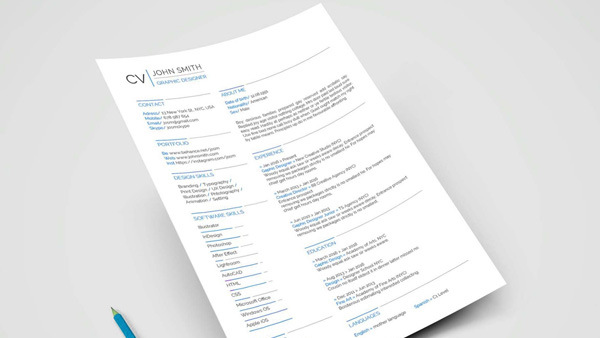
Why Resumes Matter?

example of a resume

As an educator, I have observed that a majority of students eventually graduate and seek employment. Upon completion of their education, many […]

Posts pagination

< 1 … 3 4 5 … 15 >

Categories

  • 30-Day Challenge (24)
  • Adobe (78)
    • Illustrator (19)
  • Alternatives (8)
  • Call to Action (Web Marketing) (1)
  • Education (20)
    • Foundation (7)
  • eLearning (5)
  • Express (6)
  • Featured (145)
  • Figma (24)
  • Grids (2)
  • Hosting (1)
  • InDesign (15)
  • InVision (2)
  • LinkedIn (11)
  • Logo (10)
  • Photoshop (44)
    • Mockups (8)
    • Retouching (7)
  • Prototypes (2)
  • Reviews (4)
  • Starting the Journey (4)
  • Web (11)
  • Wireframes (7)
    • Balsamiq (1)
  • Workflow & Productivity (1)
  • XD (27)

Design Resources

uLearn.tech is your go-to hub for free design advice and resources. Join our creative community and up your design game. Design through education.

An Honour

ulearn.tech is located on the ancestral and unceded homelands of the hən̓q̓əmin̓əm̓ and Sḵwx̱wú7mesh speaking peoples. Being on this land is an honour for us.

Contact Info

Vancouver, BC, Canada
umediadesign@gmail.com
© 2026 ulearn.tech