
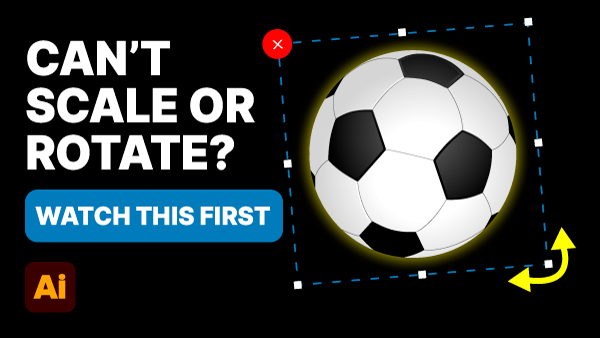
If your Selection tool has stopped letting you resize or rotate artwork in Adobe Illustrator, you haven’t broken anything. One setting has been toggled off — and it’s a quick fix once you know where to look.
One hidden setting is causing it — and it takes seconds to turn back on
You click your artwork, grab a handle, and nothing happens. No rotation, no scaling. The tool works, but the handles aren’t there.
The Cause
Your Bounding Box is hidden. The Bounding Box is what gives you those handles around selected artwork. Without it, the Selection tool has nothing to grab onto.
The Fix
Go to View in the top menu and click Show Bounding Box.
Or use the keyboard shortcut:
- Mac: Command Shift B
- PC: Control Shift B
Your handles will reappear immediately.
Why Does This Happen?
The shortcut is easy to hit by accident — especially if you’re working fast. Now that you know it exists, you’ll spot it straight away next time.