Skip to content
uLearn
Toggle menu
  • Tutorials
  • About
  • Facebook
  • YouTube

Category: Illustrator

June 23, 2026Adobe, Illustrator

Can’t Scale or Rotate in Illustrator? Here’s the Fix

If your Selection tool has stopped letting you resize or rotate artwork in Adobe Illustrator, you haven’t broken anything. One setting has […]

June 16, 2026June 17, 2026Adobe, Illustrator

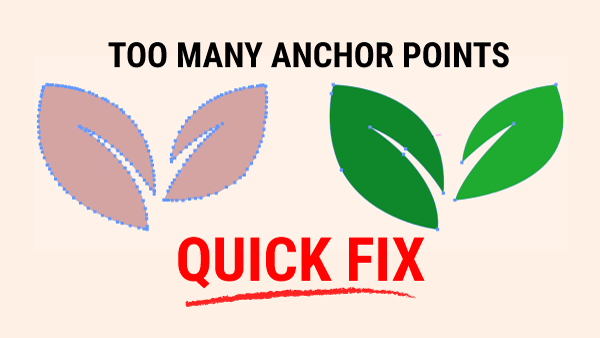
Too Many Anchor Points? Quick Fix in Illustrator

Too Many Anchor Points: Quick Fix

On the left, you’ll see a leaf with too many anchor points — small bumps, uneven curves, and edges that don’t feel […]

June 16, 2026June 17, 2026Adobe, Illustrator

Mastering Illustrator Selection Tools: A Beginners Guide

Master the 3 Selection Tools in Illustrator

When you’re learning Illustrator, one of the first frustrations you’ll run into is this: you try to move one part of your […]
June 12, 2026June 12, 2026Adobe, Illustrator

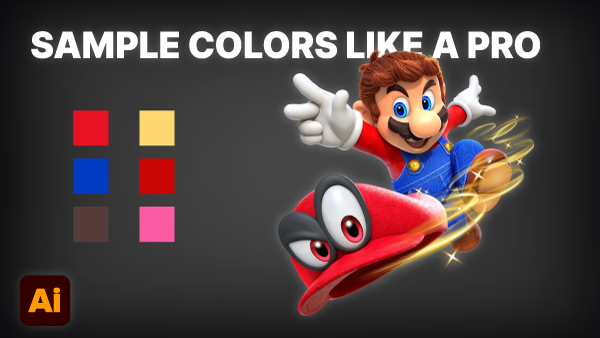
How Pros Sample Colors from Art in Illustrator

Sample colors like a Pro.png

If you’ve spent any time in Adobe Illustrator, you know there are usually three or four different ways to do the exact […]
June 10, 2026June 11, 2026Adobe, Illustrator

How to Cut Shapes in Adobe Illustrator: A Complete Guide

stop using the wrong cutter tool in Adobe Illustrator

Cutting shapes in Adobe Illustrator is an essential skill for creating logos, icons, illustrations, and clean vector artwork. Illustrator includes several tools […]
June 9, 2026June 9, 2026Adobe, Illustrator

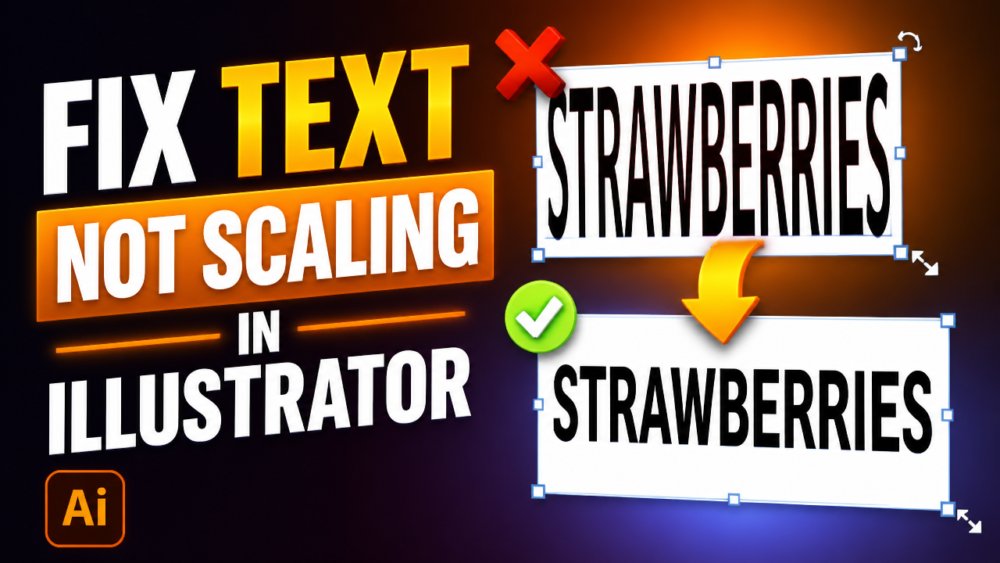
How to Fix Text Not Scaling or Resizing in Illustrator

stop scaling text in illustrator

Ever typed a line of text in Adobe Illustrator, only to watch it sprint all the way off the side of your […]

June 8, 2026June 8, 2026Illustrator

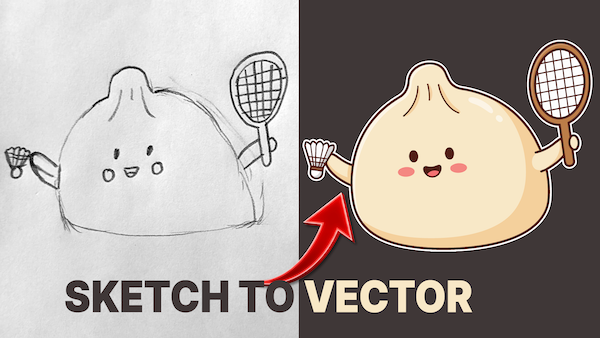
Sketches to Perfect Vectors in 60 Seconds in Illustrator

In our last post, we explored the Generative Turntable feature. Today, we’re diving into its partner tool: As of May 22, 2026, […]
May 12, 2026May 23, 2026AI, Illustrator

How to Convert Sketches to Vectors: Testing the New Illustrator Beta

Sketched Chinese Dumpling (Bao) changed to a Vector vector paths instantly in Illustrator Beta

In our last post, we explored the Generative Turntable feature. We’re diving into its partner tool: As of May 22, 2026, Adobe […]
March 19, 2026May 9, 2026AI, Illustrator

How to Use Illustrator’s Turntable

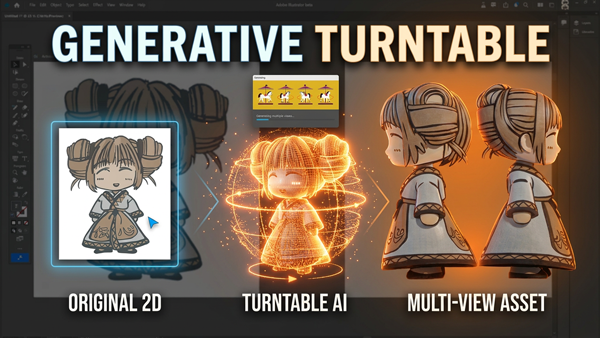
Generative Turntable in Illustrator Beta from 2D to 3D simulation

Adobe has been steadily weaving more AI‑powered tools into its creative ecosystem, and one of the most intriguing additions is a feature […]

August 9, 2020May 9, 2026Illustrator

How to Rotate Guides in Illustrator

How to Rotate Guides in Illustrator

Have you ever wonder if you can rotate guides in Illustrator? Well, you can! There are times when you need to use […]

Posts pagination

1 2 3 >

Categories

  • 30-Day Challenge (1)
  • Adobe (44)
  • AI (6)
  • Alternatives (12)
  • Balsamiq (1)
  • Call to Action (Web Marketing) (1)
  • Education (20)
    • Foundation (7)
  • eLearning (5)
  • Express (6)
  • Featured (9)
  • Figma (24)
  • Grids (2)
  • Hosting (1)
  • Illustrator (28)
  • InDesign (15)
  • InVision (2)
  • LinkedIn (11)
  • Logo (10)
  • Mockups (9)
  • Photoshop (42)
  • Prototypes (3)
  • Retouching (7)
  • Reviews (4)
  • Starting the Journey (11)
  • Typography (3)
  • Web (11)
  • Wireframes (8)
  • Workflow & Productivity (1)
  • XD (27)

Design Resources

uLearn.tech is your go-to hub for free design advice and resources. Join our creative community and up your design game. Design through education.

An Honour

ulearn.tech is located on the ancestral and unceded homelands of the hən̓q̓əmin̓əm̓ and Sḵwx̱wú7mesh speaking peoples. Being on this land is an honour for us.

Contact Info

Vancouver, BC, Canada
umediadesign@gmail.com
© 2026 ulearn.tech