Boost Your Online Presence With LinkedIn
It was an exciting way of learning. I had the opportunity to learn a new learning management system called Canvas, that are […]

It was an exciting way of learning. I had the opportunity to learn a new learning management system called Canvas, that are […]
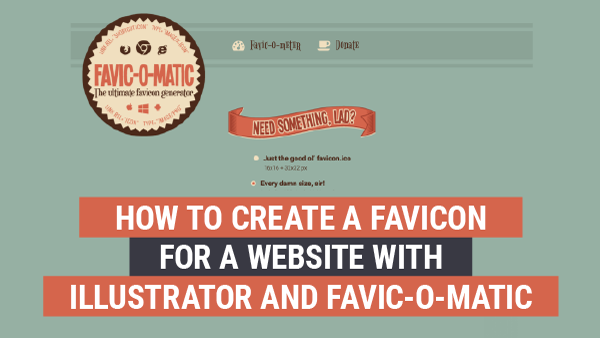
After you have created a logo for your website, let’s create a favicon! A favicon is short for favourites icon. This icon […]
For those future students and past students, or even someone thinking of launching a website, this is a pretty slick deal in […]
Every business, company, product or even a personality may have a logo. A logo identifies a company by the use of a […]
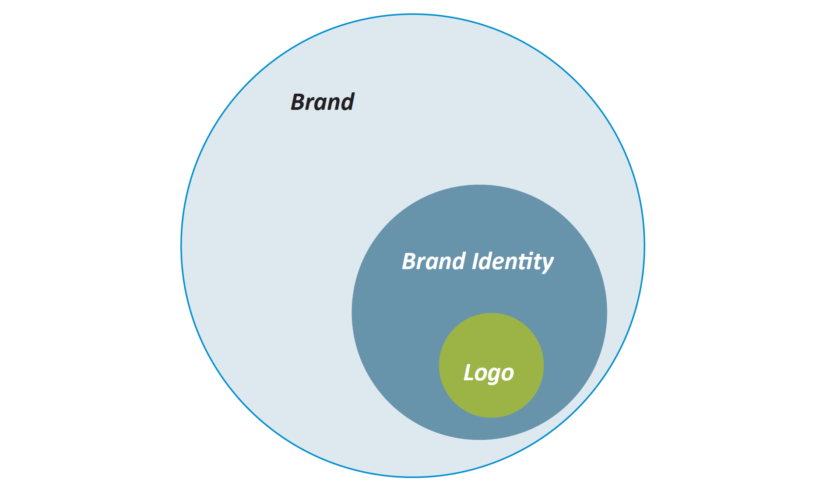
A logo is not a brand. It is either a graphic mark, symbol, icon or emblem mostly used by companies or persons to promote […]
A logo is not a brand. Clearly defined as a graphic mark, symbol, icon, or emblem used by companies or persons to […]

Have you ever looked at a word or phrase you type, and something just looked off about it? In typography, kerning is […]

This tool enables you to work with letters as individual objects. Creating Outlines is the Past In the past, one would have […]
You can create type by drawing a text box, which will give you more flexibility. You can also create text with no […]
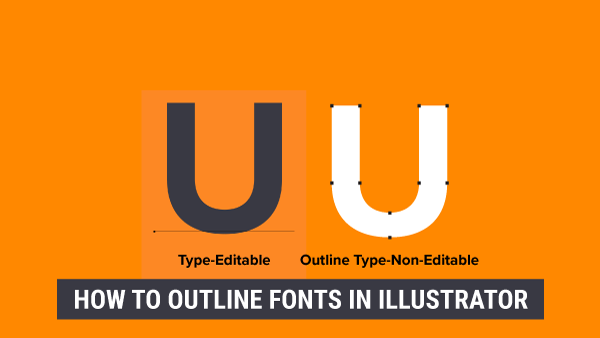
In most cases, you wouldn’t need to convert your text to outlines because you could save your file as a PDF with […]